
11 Best People Analytics Software for HR Teams in 2026
by Ryan Stoltz
Last updated
22 min read
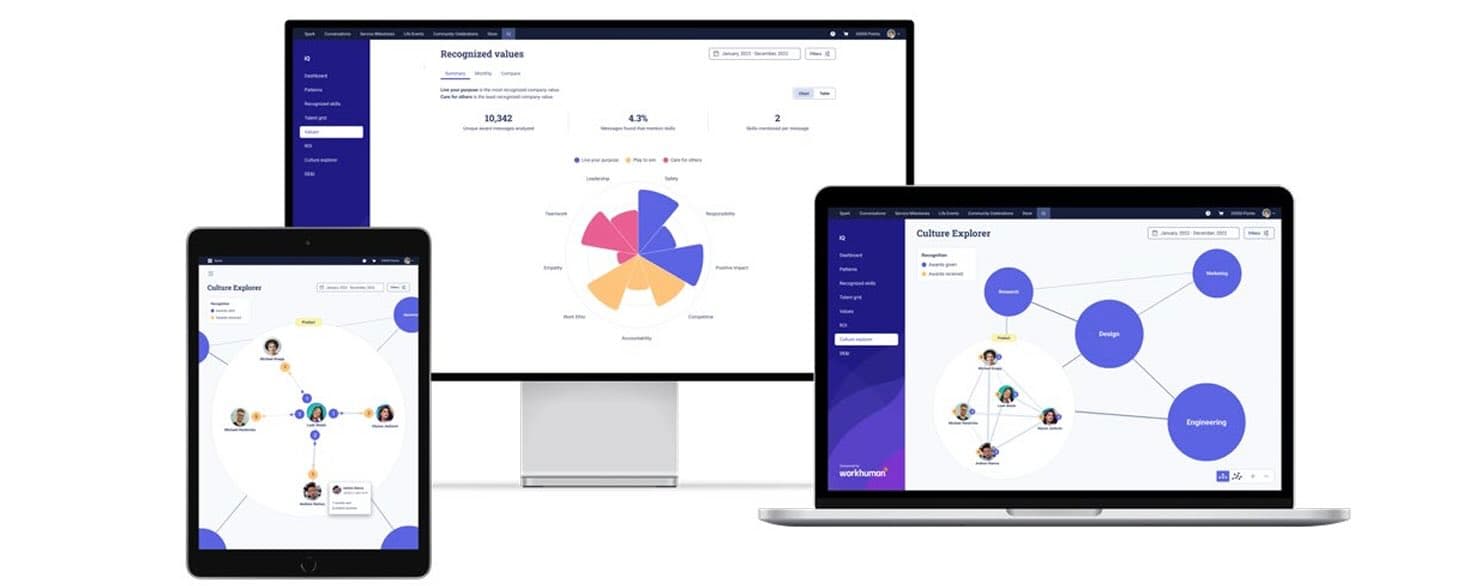
Table of contents
- People Analytics Tools: Platform Comparison
- The next evolution of people analytics: human-centered workforce intelligence
- 1. Workhuman
- 2. Crunchr
- 3. Visier
- 4. ChartHop
- 5. Workday People Analytics (Prism)
- 6. Lattice
- 7. Qualtrics
- 8. Tableau for HR
- 9. UKG
- 10. Perceptyx
- 11. Eightfold AI
- 12. HiBob
- 13. Eletive
- How to choose the right people analytics platform for your organization
- Key features to look for in people analytics solutions
- The business benefits of people analytics for employee engagement
- Implementing people analytics successfully in your organization
- Frequently asked questions
Share this article
As an HR professional, you've got enough talent data to fill dozens of spreadsheets. You can use it to understand why turnover dipped last quarter or why your marketing team had the highest engagement the previous summer. However, looking at past trends only gets you so far. If you want to get the most out of your data, you need to know how to put it to work today.
People analytics collects and analyzes workforce data to help HR teams make smarter decisions. It uses real-time data, such as survey responses and recognition messages, to spot trends and predict challenges. These findings keep you two steps ahead, allowing you to improve everything from workplace culture to retention.
This approach is already a top strategic focus for 32% of organizations, according to the 451 Research report, “HR technology market forecast”Opens in a new tab. The best people analytics software solutions combine employee listening, predictive modeling, and role-based data to uncover what's happening right now. At the same time, you can overcome common roadblocks, such as declining engagement and survey fatigue.
The platforms below represent a range of approaches to helping organizations better understand workforce performance, retention, and employee experience.
This guide breaks down the top people analytics tools of both kinds, including popular options like Workhuman® and ChartHop. It also highlights key features and shares tips for using this technology in your everyday routine. Discover how to spend less time squinting at spreadsheets and more time supporting your team.
People Analytics Tools: Platform Comparison
The next evolution of people analytics: human-centered workforce intelligence
As this list shows, “people analytics software” has become an increasingly broad category.
Some platforms specialize in workforce planning and organizational modeling. Others focus on employee listening, engagement measurement, compensation analysis, or talent intelligence. Increasingly, organizations are also investing in platforms designed to capture behavioral and cultural signals that traditional HR systems often miss.
That evolution reflects a larger shift happening across HR technology.
But many organizations are discovering that traditional workforce data only captures part of the employee experience. Culture, collaboration, trust, informal leadership, burnout risk, and inclusion often develop through everyday interactions between employees, not inside static HR records or annual surveys alone.
As a result, companies are beginning to expand how they think about workforce intelligence itself.
Instead of relying exclusively on retrospective or administrative data, many organizations now incorporate continuous behavioral signals generated inside the flow of work. These signals can include peer recognition, collaboration behaviors, sentiment trends, communication patterns, and real-time employee feedback.
The goal is no longer just to collect data on what happened in the workforce, but to better understand how work actually happens across teams, relationships, and organizational networks.
This broader approach helps organizations identify workforce patterns that are often difficult to detect through conventional reporting alone.
For example, behavioral workforce data may help surface:
- emerging leaders who influence teams without formal authority,
- collaboration networks across departments,
- early disengagement or burnout signals,
- inequities in visibility or recognition,
- and shifts in organizational sentiment before they appear in retention metrics.
Importantly, this evolution does not replace traditional people analytics platforms. Workforce planning, compensation analysis, organizational modeling, and HR reporting remain essential capabilities.
Instead, behavioral intelligence adds another layer of context to those systems.
That’s why many organizations now combine traditional analytics tools with platforms designed to capture human-centered interaction data directly within the employee experience itself.
As AI becomes more embedded in HR technology, the quality and richness of workforce data will matter more than ever. Organizations that can combine operational workforce metrics with real-time human signals will likely gain a more complete understanding of employee engagement, culture, performance, and retention risk.
In other words, the future of people analytics may depend not only on how organizations analyze workforce data — but also on the kinds of human data they choose to capture in the first place.
The list of solutions below, therefore, reflects both kinds of approaches.
1. Workhuman
Best for: Human-centered workforce intelligence for large and mid-market enterprises that want people analytics rooted in real-time, human-generated data — powered by recognition and behavioral data.
Key features:
- AI Assistant with natural language querying across workforce data
- Skills mapping and internal mobility recommendations from recognition signals
- Real-time sentiment analysis via NLP across peer feedback and recognition messages
- Attrition risk forecasting at the team and department level
- DEI equity dashboards tracking recognition patterns across demographic groups
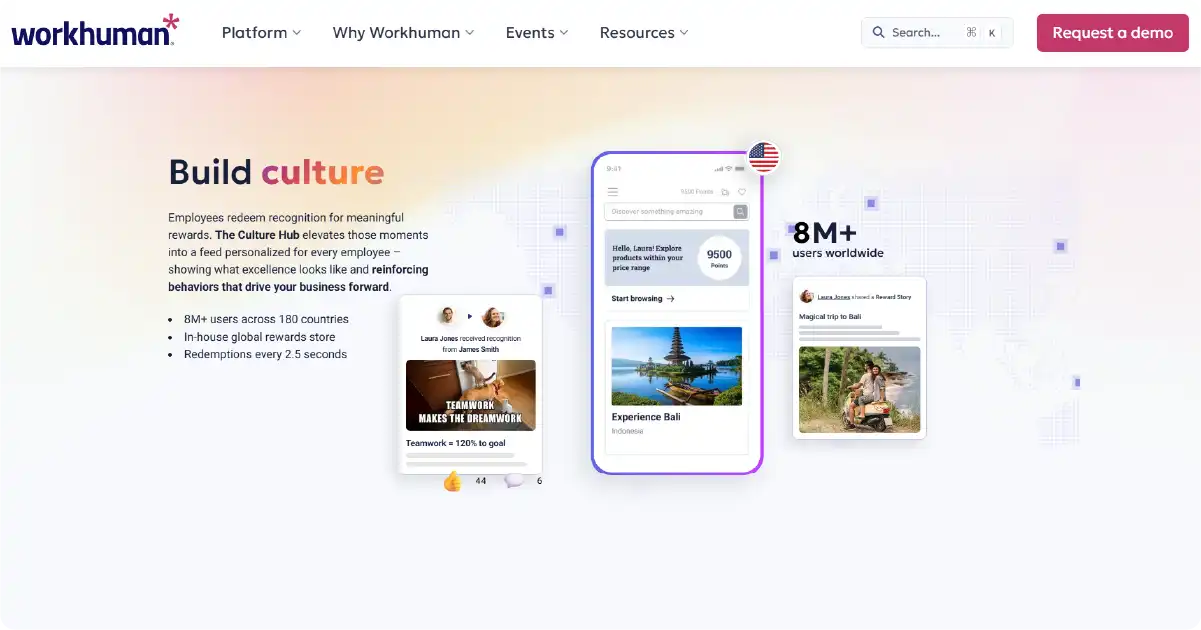
Most people analytics platforms analyze the structured data that HR systems record: headcount, tenure, performance ratings and survey scores. Workhuman takes a different approach by building workforce insights from continuous employee recognition and interaction data.
Its analytics engine, Workhuman iQ, uses recognition activity, sentiment analysis, and behavioral signals to help organizations better understand engagement, collaboration, retention risk, and workplace culture in real time.
The platform's core analytics capabilities include:
- Real-time talent intelligence: Workhuman iQ analyzes over 100 million data points from peer recognition moments to surface skills mapping, mentor matching, and internal mobility insights. HR and talent teams can identify high-potential employees based on crowdsourced behavioral signals — not just manager assessments — and use that data to inform succession planning and development decisions.
- Retention and attrition forecasting: By monitoring recognition frequency trends across teams and departments, Workhuman iQ flags early signs of disengagement before they translate into turnover. Research cited by Workhuman and Gallup shows that employees who feel consistently recognized are 45% less likely to leave within two years.
- Sentiment and culture analytics: The platform uses natural language processing (NLP) to analyze the qualitative content inside recognition messages, surfacing sentiment trends, shifts in cultural health, and team dynamics that don't appear in structured HR data. These signals help HR leaders distinguish between teams that are thriving and those showing early signs of burnout or disconnection.
- Future Leaders: Introduced in 2026, Future Leaders helps companies spot emerging executive talent years before a promotion might happen. The proprietary Ascend AI model takes into account recognition patterns and an array of behavioral and organizational signals — all unique to a given company — to determine who is likely to be promoted. This lets companies identify talent for development or retention, and also understand which managers are a magnet for top executive talent.
- DEI and equity insights: Workhuman iQ tracks recognition patterns across demographic groups, functions, and geographies to surface potential bias. If one group consistently receives less peer recognition than others — even when controlling for tenure and role — that pattern becomes visible and actionable.
- AI Assistant: Built on a proprietary recognition-specific language model, the AI Assistant lets HR leaders query workforce data in natural language. Leaders can ask questions like "Which teams have seen the biggest drop in recognition frequency this quarter?" or "Where are our highest retention risks by department?" and receive real-time answers with recommended next steps.
- iQ Snapshots: A newer addition from Workhuman's Human Intelligence 2025 Release, Snapshots deliver automated, role-specific analytics digests for HR leaders, people managers, and program administrators — embedding workforce intelligence directly into their workflows without requiring manual reporting.
The platform integrates with Workday, SAP SuccessFactors, Microsoft Teams, Slack, and other major HRIS and productivity tools via an open API. It supports over 8 million users across 180 countries and 30+ languages.
Pricing: Custom enterprise pricing. Workhuman offers an ROI guarantee — organizations that don't see measurable improvements in engagement and retention can request a refund.
Limitations: Workhuman iQ's insights are built on recognition data, which means the depth of analytics scales with program adoption. Organizations with low recognition participation will see less signal in the early stages.
The platform's core strengths include:
- Social recognition network: Your employees do great things every day, so don't let their contributions go unnoticed. Workhuman makes it easy for team members to share their appreciation and brag about their colleagues. These seemingly small gestures can be a huge mood booster, and they also impact your bottom line. Employees who feel valued stick around longer and perform better.
- Behavioral insights: Have you ever wondered which sales reps show the most initiative or who works best with customers? Workhuman iQ helps you answer these questions and more. It analyzes millions of data points to uncover hidden skills and other behaviors. For example, you could identify newcomers with leadership potential to offer them special training.
- Rewards: At the global rewards store, employees shop with their recognition points. They can book a hotel, buy a fancy kitchen gadget, donate money to an animal shelter, or get a gift card to use later.
- Measurable return on investment (ROI): Workhuman offers the industry's only ROI guarantee. If your organization doesn't see noticeable improvements in engagement and retention, you'll get your money back, no strings attached.
- Global scale: Over 8 million users from more than 180 countries use Workhuman. It's easy to recognize a teammate in London or analyze the best way to engage people in America and Thailand.
HR leaders have always played a key role in this platform. Workhuman collaborates with industry experts to modernize recognition. Swap generic pizza parties and copy-and-paste thank you emails for rewards your employees actually care about.
The employee recognition software also promotes diversity, equity, and inclusion (DEI) by reducing bias. For example, you might realize that male employees get more professional development opportunities than women. A series of female-focused workshops or more intentional project assignments could close the gap. Together, these features help turn data into lasting engagement improvements.
And don't sweat the technical details. Workhuman's open API allows you to easily integrate with popular workplace tools. It's compatible with Microsoft Outlook, Slack, Workday, Yammer, and more.
2. Crunchr
Best for: Mid-to-large enterprises, particularly those operating across Europe, that need fast deployment, GDPR-native compliance, and self-service analytics across the full employee lifecycle without requiring data science expertise.
Pricing: Custom pricing on a per-employee-per-year (PEPY) model — cost per employee decreases at higher headcount. Typical customers have 1,000+ employees.
Key features:
- Hundreds of pre-built HR metrics across recruitment, retention, DEI, spans and layers, and succession
- Natural language AI Assistant for instant answers to workforce questions
- Strategic workforce planning module with scenario modeling and headcount forecasting
- CSRD-compliant workforce metrics reporting built into the platform
- GDPR-native architecture with role-based access controls and data anonymization
- 2-week implementation with automatic Workday and SAP data connectors
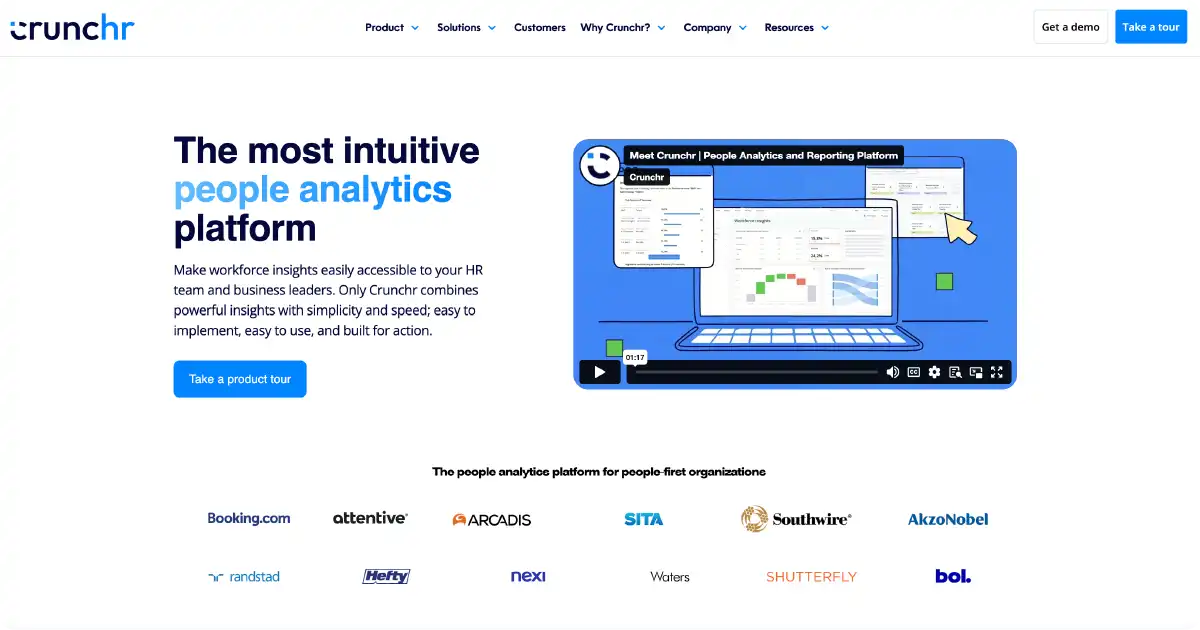
Crunchr is another leading people analytics software for HR teams working with real-time data. It offers hundreds of ready-made analytics, including trend forecasting and ad-hoc analyses. All you need is your data.
Once you start collecting information, Crunchr turns it into intuitive dashboards that you can customize to solve specific problems. For example, create one dashboard to track high performers and another to monitor absenteeism and attendance. These tools make it easy to share your findings with business leaders and frontline managers, even if they aren't data experts.
You don't need a background in data science, either. The AI Assistant lets you pose questions about your data in natural language. Simply ask, "Who are the biggest flight risks in the nursing department?" or "Is retention trending up or down this year?" It's much faster than writing complex formulas or models.
Limitations:
- Not well-suited for small businesses or organizations under 500 employees
- Some users report limited flexibility in custom dashboard design beyond pre-built templates
- Primarily deployed in Europe and North America
3. Visier
Best for: Large and enterprise organizations that need a dedicated workforce intelligence platform with deep analytics, continuous workforce planning, and integration into tools like Microsoft 365 Copilot and Workday.
Pricing: Custom enterprise pricing across Standard and Premier tiers. Pricing scales by organization size and the modules selected.
Key features:
- Vee AI assistant with native Microsoft 365 Copilot integration for in-context workforce queries
- 2,000+ pre-built workforce questions covering turnover, DEI, compensation equity, and productivity
- Business outcome linking connecting people data to financial and operational results
- Continuous workforce planning with closed-loop, iterative headcount modeling
- Open Skills Initiative integrating Techwolf and Lightcast skills intelligence data
- MCP-enabled agentic AI delivering governed workforce analytics across enterprise AI environments
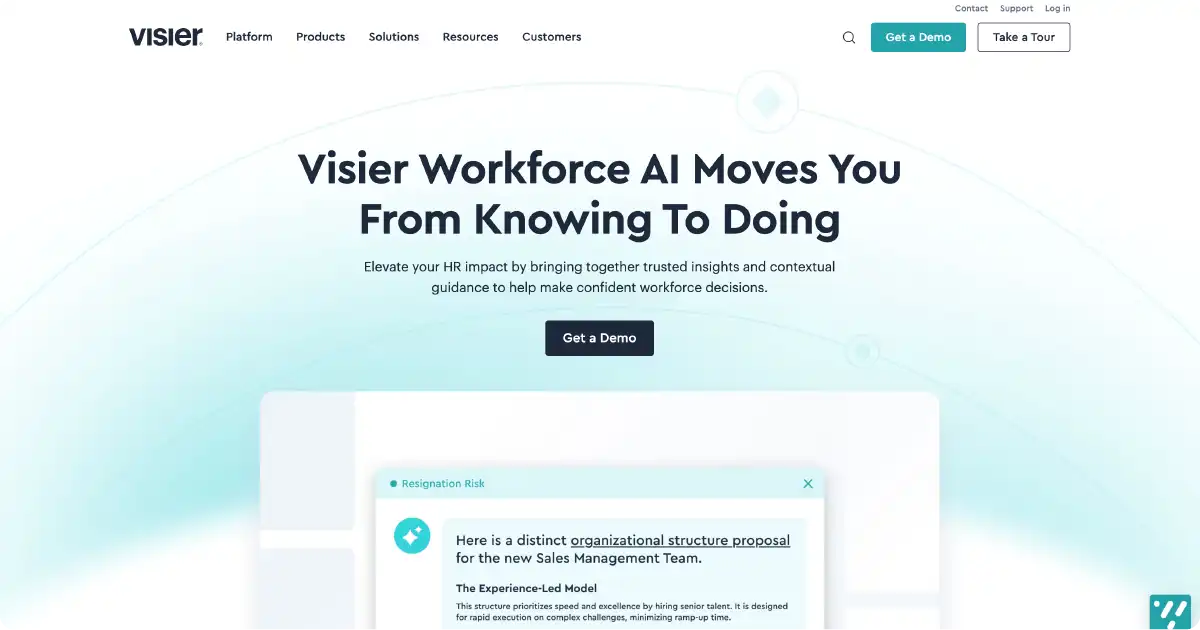
Enterprises need HR analytics software tools that can handle data for hundreds or thousands of employees. Visier is a workforce intelligence tool for big businesses with even bigger data. It uses AI and predictive analytics to help managers spot trends and make savvy decisions.
Visier serves over 5,000 companies, including leading brands like eBay and Ford. It helps reduce turnover and predict what will happen next with your workforce. You can also benchmark your data against competitors. For instance, if your retention rates are 25% lower than the industry average, it might be time to bump up your compensation packages.
Do you need quick answers before your 9 a.m. meeting? Just ask Vee. The AI chatbot responds to natural language questions about your data. It also creates personalized "Vee Boards" with recommendations for next steps. If you ask Vee to list your lowest performers, it could also suggest ways to mentor or motivate them. This advice gives you a clear path forward.
This trusted platform uses an end-to-end security model to safeguard your data. Automatic role-based access controls allow you to control who sees data and when. Because Visier caters to large businesses, it offers custom enterprise pricing.
Limitations:
- Enterprise pricing and implementation complexity make it a poor fit for small to mid-market organizations
- Full value requires meaningful investment in onboarding and data integration
- Best suited for organizations with dedicated HR analytics resources
4. ChartHop
Best for: High-growth and mid-market organizations where HR, finance, and operations need a shared view of headcount, compensation, and org structure — particularly companies undergoing frequent reorganization or rapid scaling.
Pricing: Per-Employee-Per-Month (PEPM) pricing; organizations pay only for modules selected (e.g., Headcount Planning, Compensation, Performance). Annual minimum of ~$9,000.
Key features:
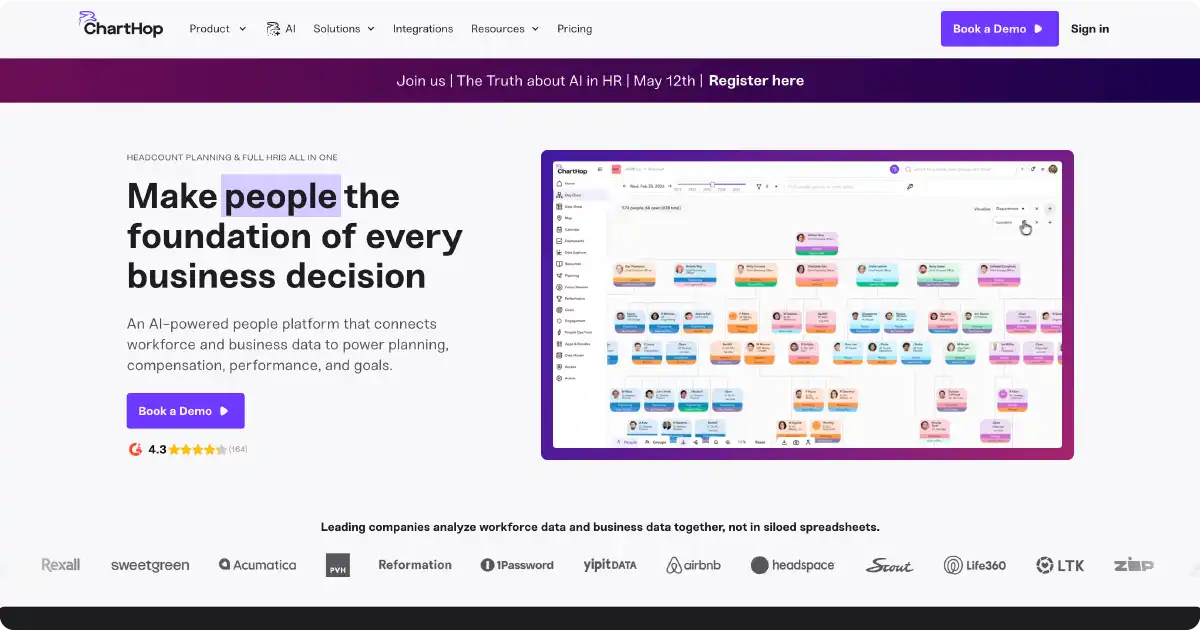
- Dynamic org chart with historical time travel for point-in-time workforce analysis
- Generative AI Scenarios build draft headcount plans from natural language descriptions
- Ask ChartHop connects people data with Salesforce, Zendesk, and operational datasets
- DEI analytics with demographic drill-down and budget impact modeling
- Compensation cycle management with access-controlled scenario submissions
- Data Explorer with multi-axis bubble charts and AI-driven visualization
Headcount modeling is one of the platform's key features. Use it to experiment with different scenarios and predict how each change would affect your bottom line.
Let's say you're considering adding ten more customer service reps to your team. ChartHop can help you see how this decision would affect your budget and productivity before you post a job ad. Maybe you only need eight new employees, or hiring another manager would have a bigger impact.
ChartHop also builds interactive org charts that map out all your departments and roles. This feature lets you track how your organization changes over time. If your middle management starts to look sparse, it may be time to replace departing employees.
Visualize your budget, too. The platform tracks organizational spending in real time by team and department. It's especially useful for monitoring salaries and bonuses. HR teams can use this tool to track spending at a glance and make sure their workforce plans fit the overall budget.
With its big-picture focus, ChartHop is suitable for high-growth businesses and organizational redesign. Consider it to see how all the puzzle pieces in your company fit together and try out different scenarios.
Limitations:
- Implementation typically takes 2–3 months for multi-module rollouts and can require technically capable admins
- UI can lag with very large org charts
- Minimum spend of approximately $9,000 annually; the free plan is no longer available
5. Workday People Analytics (Prism)
Best for: Enterprises already on the Workday HCM platform that want analytics embedded directly in their existing environment — eliminating the need for a separate people analytics tool or data export workflow.
Pricing: Prism Analytics is an add-on to Workday HCM. Pricing is custom and negotiated as part of the broader Workday contract. Organizations not already on Workday should evaluate the full platform cost.
Key features:
- Native analytics inside Workday HCM — no data export or platform switching required
- Machine learning pattern detection across compensation, attrition, and DEI datasets
- Peakon employee listening integration linking sentiment signals to workforce metrics
- DEI and regulatory compliance reporting with built-in report generation
- Single security framework with role-based governed data access and audit trails
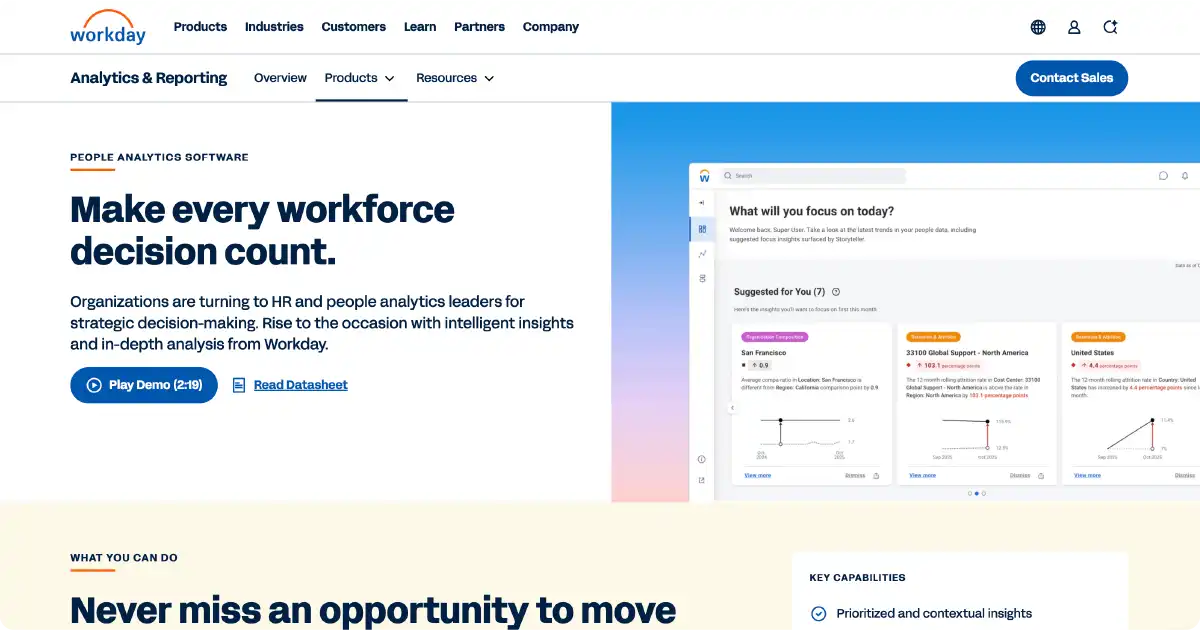
Your organization may already use Workday Human Capital Management (HCM) system for HR and finance tasks. Prism is an add-on analytics and reporting tool that lets you analyze data directly in Workday. That way, you don't need to bounce between platforms.
This technology uses machine learning and pattern detection to interpret complex data. Are you investing more in DEI? Use Prism to see who makes up your workforce and look for potential biases in your hiring process. If you need to submit a compliance report, Prism can help you gather the right data and generate a report – no more sifting through spreadsheets.
Prism also links with Peakon, an employee listening tool. This software allows you to ask employees directly about their experiences and find ways to improve them. Maybe your graphic design team feels burned out by staffing shortages and needs more support. Or perhaps benchmarks show your competitors pay more. With Prism, you can pinpoint and fix issues before people leave.
Limitations:
- Does not support real-time data by default; manual or scheduled refreshes are required
- high cost and complexity for organizations not already on Workday
- Not recommended for small or mid-market companies without the Workday ecosystem
6. Lattice
Best for: Mid-sized, fast-growing companies (100–1,000 employees) building a feedback-first culture that want organizational performance management, engagement surveys, OKRs, and career development in a single connected platform.
Pricing: Talent Management base plan starts at $11/person/month. Add-on modules: Engagement (+$4), Grow (+$4), Compensation (+$6). Minimum annual commitment of $4,000.
Key features:
- Continuous pulse surveys with AI-driven sentiment analysis and key driver reporting
- 360-degree performance reviews integrated with OKR and goal tracking
- Engagement benchmarking against industry and region peers via the Mercer data partnership
- Career tracks and individual development plans linked to performance and compensation
- Lattice AI Agent for always-on HR question answering and manager coaching
- Succession planning and performance improvement plan management
Lattice brings all your performance and engagement data together. It connects feedback, goal tracking, reviews, and development data. By studying your team from different angles, you can see the full story of their performance.
The core functionalities include:
- Pulse surveys let you quickly gather feedback without overwhelming your employees. These snapshots help you understand your team's perspectives and change course if necessary. For example, send out a pulse survey to see how people feel after a tense all-hands meeting.
- Performance dashboards visualize key metrics for teams or individuals. Use them to track anything from your sales team's productivity to the quality of a new hire's work. Fast-track top performers and offer more support for struggling employees.
- Managers can use team analytics to better understand and support their employees. These tools track performance metrics and uncover team dynamics that might otherwise go unnoticed.
If you're building a feedback-first culture, Lattice can help you gather honest reactions from your employees. Managers respond to these comments through the platform, creating quick feedback loops.
Discord, NPR, and Reddit number among the high-profile companies using Lattice. However, the platform is also accessible and affordable for SMBs.
Limitations:
- Modular pricing adds up quickly as organizations add engagement, growth, and compensation modules
- Not ideal for very large enterprises with complex, multi-country HR requirements
- Minimum annual spend of $4,000; no free tier
7. Qualtrics
Best for: Large organizations that need a sophisticated, multi-channel employee listening program — particularly those that require automation, external benchmark data, and integration between survey signals and operational workflows.
Pricing: Custom enterprise pricing based on organization size, survey volume, and modules selected.
Key features:
- Multi-channel listening across onboarding, milestone, pulse, and exit surveys
- AI-powered text analytics classifies open-ended responses by theme and sentiment
- Automated workflow triggers route alerts and follow-up surveys based on score thresholds
- Slack integration for in-channel survey delivery and Brandwatch for external sentiment signals
- Predictive attrition modeling combining engagement, tenure, and behavioral data
- DEI listening dashboards with demographic filtering and equity benchmarking
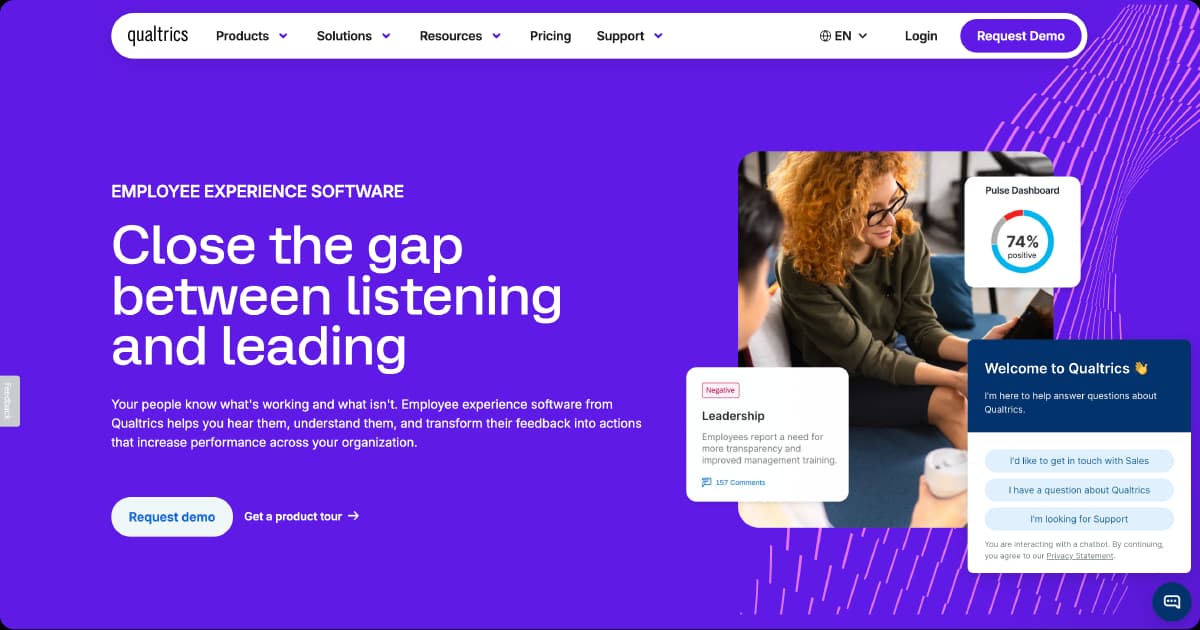
An occasional survey may give you a few gems, but it's not enough to truly understand your team. For that, you need an employee listening tool like Qualtrics. It gathers ongoing feedback, so you don't have to guess how your team feels.
Additionally, Qualtrics tracks performance at key milestones, such as 30 days after onboarding. Maybe a new employee feels confused or wants more responsibilities. A simple survey helps you offer the right support. Qualtrics also monitors DEI metrics, so you can make sure every employee has a voice.
Extensions let you pair Qualtrics with other tools for easy data collection. The Slack extension, for instance, sends surveys directly to users, so they don't need to hunt for the link in their inbox. Meanwhile, the Brandwatch extension gathers social data. If employees post about your business on Reddit, you can analyze if they're venting or complimenting you.
Qualtrics also lets you build automated workflows. Instead of sending out surveys manually, let the platform handle it.
It all adds up to faster, more accurate sentiment analysis. When you understand how your employees feel and why, you can take concrete steps to improve their experience. That leads to higher retention and satisfaction.
Limitations: Implementation and configuration complexity is high; organizations without dedicated HR analytics resources may underutilize the platform. Pricing is enterprise-level and not transparent. Survey-focused by design — less suited as a standalone workforce capacity planning or talent intelligence tool.
8. Tableau for HR
Best for: Organizations with dedicated HR analytics or BI teams that need maximum flexibility — particularly those working with non-standard data sources (Glassdoor, operational systems, finance data) or requiring custom statistical modeling.
Pricing: Tableau Creator (for analysts building dashboards): $75/user/month billed annually. Tableau Explorer (for interactive analysis): $42/user/month. Tableau Viewer (read-only access): $15/user/month. Salesforce bundle discounts available.
Key features:
- Custom HR dashboards connect to any data source, including HRIS, ATS, and Glassdoor reviews
- Advanced analytics, including regression, clustering, and machine learning model support
- Real-time live query connections to source databases without scheduled refresh cycles
- Calculated fields for custom HR metrics are not available in purpose-built analytics tools
- Cross-organizational dashboard sharing for finance, operations, and executive audiences
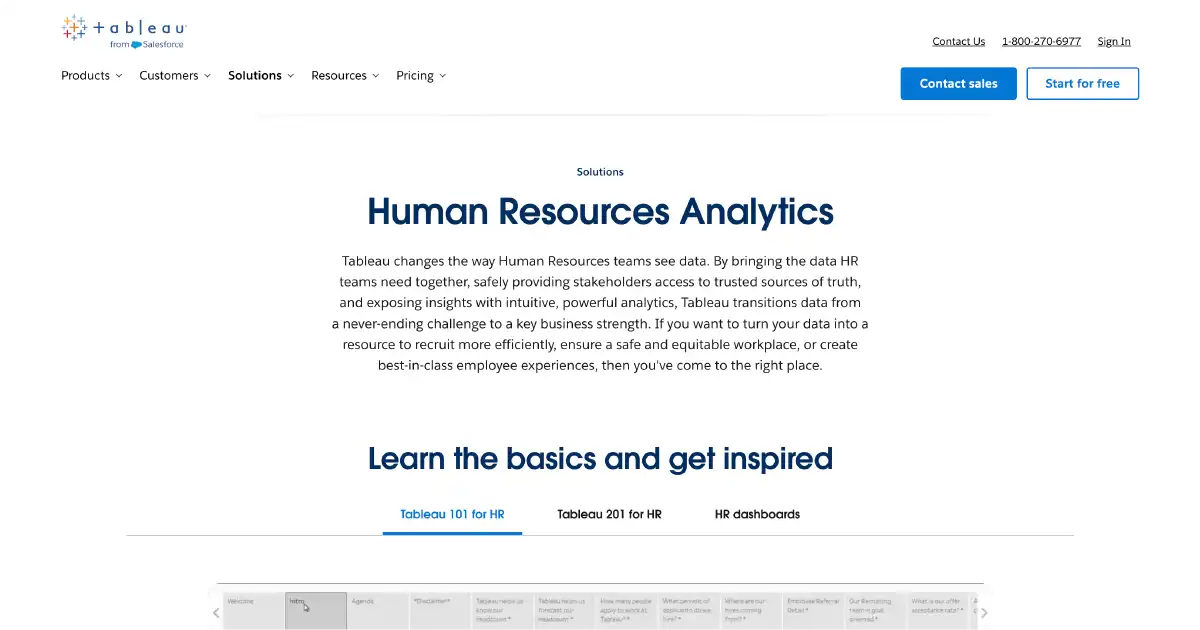
For more advanced analytics, Tableau might fit the bill. It's a business intelligence platform with data visualization and reporting tools.
Organizations often use this software to build custom dashboards and tell stories about their data. For example, Walmart created a dashboard for cultural dimensionsOpens in a new tab across all the countries where the corporation operates. This visualization helps the company's leaders adapt their approaches to employees in different parts of the world.
Unlike the more traditional people analytics platforms on this list, Tableau isn't specifically designed for HR teams. That means it has a steeper learning curve, especially if you're not a data expert. However, it does come with a few benefits:
- You can use data from virtually any source, not just typical HR apps
- You're not limited to a few pre-made analytics tools. Everything from machine learning to predictive modeling is at your fingertips – you just have to figure out how to use them
- You can create truly bespoke dashboards and visualizations instead of choosing from a few generic charts
- Collaboration features let you exchange data with your whole organization
Limitations:
- Steep learning curve; Tableau is not purpose-built for HR and requires significant setup, data preparation, and ongoing maintenance
- Not a self-service tool for most HR practitioners
- Does not include pre-built HR metrics or people analytics content out of the box
9. UKG
Best for: Organizations with large frontline, shift-based, or deskless workforces — particularly in retail, healthcare, manufacturing, and logistics — where labor scheduling, attendance, and real-time workforce management are the primary analytics priorities.
Pricing: Custom enterprise pricing based on workforce size, industry, and modules selected. UKG offers separate products (UKG Pro, UKG Ready, UKG Dimensions) at different price points.
Key features:
- AI-powered labor demand forecasting to predict peak staffing needs by shift and location
- Absenteeism analytics with predictive flags for burnout and disengagement patterns
- Industry-specific configurations for retail, healthcare, and manufacturing
- Integrated time, attendance, scheduling, and payroll data in a single workforce view
- Mobile self-service for frontline employees to manage schedules, time-off, and pay
In a team of frontline employees, every call out or disengaged team member has ripple effects. UKG helps you understand and adjust your staffing operations quickly. It excels at workforce management and scheduling.
This tool uses people data to pinpoint periods of peak labor demand. That way, you'll always have enough people on hand for a Saturday morning rush. It also uses AI to analyze absenteeism and frontline retention. For instance, if your cashiers tend to call out on Fridays, they may feel burned out from earlier in the week.
UKG offers tailored software for different industries, including retail and healthcare. Consider this option if you're looking for out-of-the-box analytics that focus on specific challenges.
Limitations:
- Less suited for organizations focused on knowledge worker analytics, performance management, or talent intelligence
- Analytics capabilities are strongest in scheduling and labor operations rather than engagement or culture measurement
10. Perceptyx
Best for: Large enterprises (typically 1,000+ employees) seeking a strategic listening partner with deep I/O psychology expertise — particularly those managing complex organizational change, high attrition risk, or multi-country workforce programs.
Pricing: Custom enterprise pricing. Pricing scales by organization size and listening program scope.
Key features:
- Predictive attrition modeling identifying flight risk by employee, manager, and team cohort
- Change fatigue detection tracking sentiment across organizational change events
- Multi-method continuous listening combining annual, pulse, lifecycle, and always-on surveys
- AI-generated action plan recommendations delivered to managers after each survey cycle
- Role-based dashboards for HR, managers, and executives with appropriate data segmentation
- Workforce health benchmarking against industry and company-size peer groups
Powered by AI, Perceptyx specializes in advanced survey and predictive HR analytics. Its engagement modeling and sentiment analytics tools help you spot employees who are most likely to leave. That way, you can address turnover before your best employees start eyeing job postings on Indeed.
Limitations:
- Pricing and complexity make it inaccessible for small and mid-market organizations
- No mobile app. Best value comes with the consulting layer, which adds cost
11. Eightfold AI
Best for: Large enterprises (10,000+ employees) that want to use AI to unify talent acquisition and internal mobility — particularly organizations focused on skills-based hiring, bias reduction, and building internal talent pipelines at scale.
Pricing: Custom enterprise pricing.
Key features:
- AI-powered skills inference mapping current and potential skills without employee self-reporting
- Internal mobility and career path recommendations matched to each employee's inferred skill profile
- Workforce planning with skills gap modeling across hiring, upskilling, and reskilling scenarios
- Bias-aware talent matching surfacing candidates based on demonstrated capability over pedigree
- Succession planning pipeline built from skills, performance signals, and behavioral data
- Labor market benchmarking connecting internal skills inventory to external demand signals
Talent intelligence uses AI to map employee skills and potential career paths within your organization. Eightfold AI uses predictive analytics and machine learning to track these factors across your entire team. Whether you have 20 employees or 10,000, these findings allow you to make smarter talent decisions.
Use this platform to plan your future workforce needs. If thought leaders are buzzing about a new technology, you might hire a specialist to stay competitive. It can also help you reskill employees or match them to new roles.
For example, a talented entry-level employee may have leadership potential with the right mentorship. The earlier you spot them, the easier it is to fit them into your succession plans.
Limitations:
- Designed explicitly for companies with 10,000+ employees; not cost-effective or feature-appropriate for mid-market organizations
- Pricing is among the highest in the category
- Some users report limited customization flexibility and inconsistent AI skill inference accuracy
- Implementation complexity is significant
12. HiBob
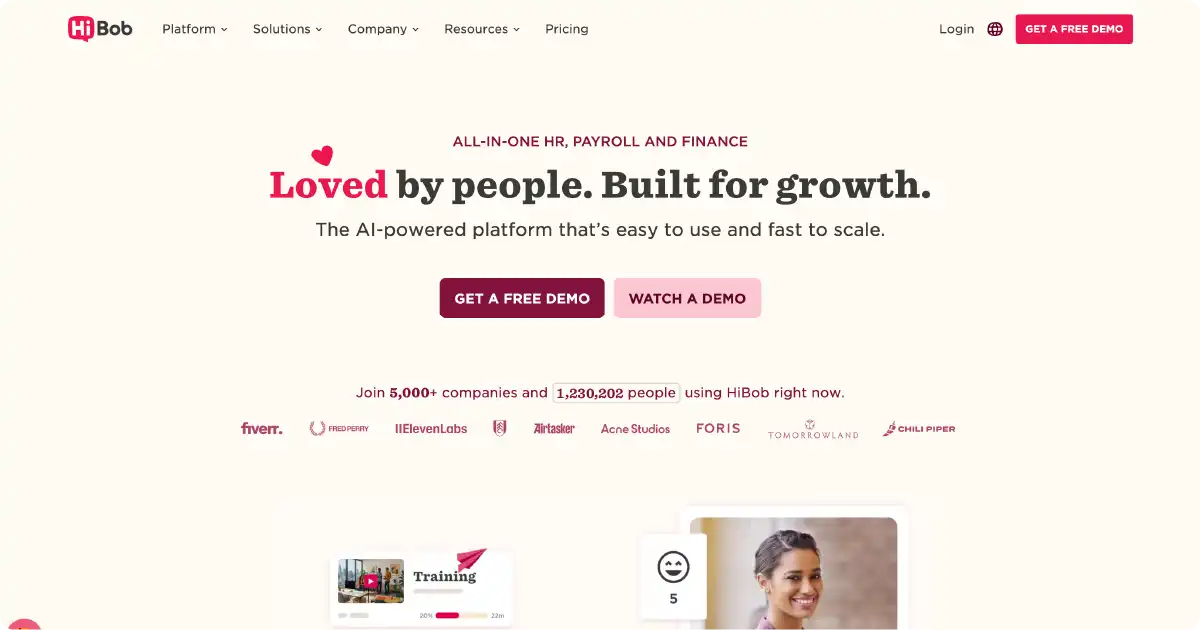
Best for: Fast-growing mid-market companies (typically 50–2,000 employees) that want an all-in-one HRIS with embedded people analytics — particularly those with distributed or multinational workforces where connecting HR, finance, and payroll data in one platform is a priority.
Pricing: Custom per-employee pricing.
Key features:
- AI-powered dashboards surface headcount trends, attrition risk, and engagement shifts in real time
- Ask Bob AI chatbot for natural language HR queries from employees and managers
- Bob Finance integrates people, planning, and budget forecasting in a shared HR-finance workspace
- Workforce planning with scenario modeling, org chart time travel, and headcount approval workflows
- DEI analytics tracking representation, pay equity, and engagement across demographic segments
- Lifecycle surveys and eNPS measuring sentiment at onboarding, milestones, and exit
HiBob's platform, known simply as Bob, is an all-in-one HCM built for growing, often distributed companies that need people analytics, performance management, compensation, and payroll in a single connected system.
Unlike standalone analytics tools, Bob embeds people data into daily HR workflows, giving HR and finance teams shared visibility into headcount costs, attrition risk, and engagement trends without exporting data or switching platforms.
Limitations:
- Analytics capabilities are functional but less deep than dedicated people analytics platforms
- Organizations needing advanced statistical modeling or custom metric frameworks may find Bob's reporting limiting
- Native payroll is currently US-only; global teams still rely on third-party payroll integrations
- Pricing has increased in recent years, making it less accessible for small businesses with fewer than 50 employees
13. Eletive
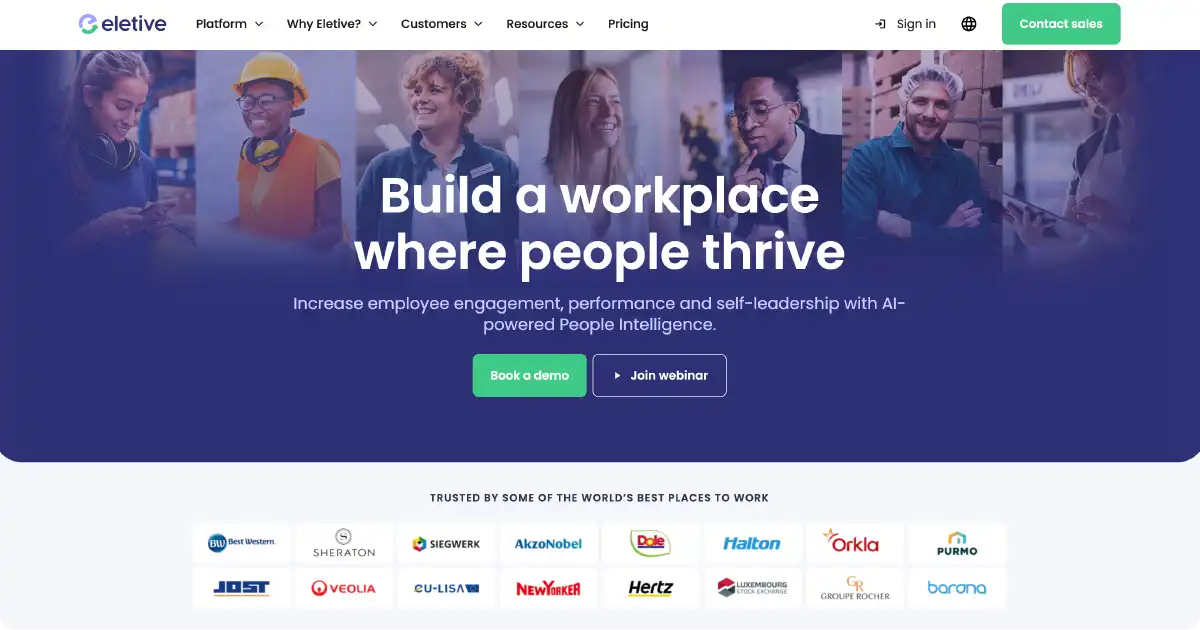
Best for: Mid-to-large organizations (50+ employees) that want a focused, science-backed engagement and performance platform — particularly those in Europe seeking GDPR-compliant continuous listening with strong multilingual support and a benchmarking database calibrated to their region and industry.
Pricing: Custom pricing on a per-employee, tiered model. Eletive offers two main tiers: a core engagement plan and a professional plan that adds advanced analytics, performance management, and OKR tracking.
Key features:
- AI-powered pulse surveys using ML and adaptive algorithms to ask the right questions at the right time
- Eletive Copilot AI assistant surfacing engagement trends, risks, and recommended actions for HR leaders
- Comments AI analyzing open-ended survey responses with sentiment classification and anonymization
- Attrition risk prediction identifying flight risk signals before employees disengage or resign
- Engagement benchmarking against a database of 3M+ results segmented by industry and organization type
- Lifecycle surveys tracking sentiment from onboarding through exit across 25+ supported languages
Founded by engineers and behavioral scientists in Malmö, Sweden, Eletive is an AI-powered employee engagement and people analytics platform built for organizations that want continuous, real-time listening rather than annual snapshot surveys.
Its core philosophy, what the company calls the "Eletive effect", is to develop both organizations and individuals in parallel, equipping managers and employees with self-leadership tools alongside the HR-level analytics that inform strategy.
Eletive is particularly strong for mid-to-large organizations in Europe and Scandinavia, where its benchmarking database of 3 million+ results and multilingual survey support (25+ languages) give it an edge over US-centric competitors.
Limitations:
- Eletive is an engagement and performance platform, not a full HRIS or workforce planning tool
- Organizations looking for headcount modeling, compensation analytics, or integrated payroll will need additional systems
- Some users report limited reporting customization and export options for advanced analysis
- Advanced AI features require consistent, high-quality survey data to deliver reliable predictions
- Not suitable for teams under 50 employees.
How to choose the right people analytics platform for your organization
You probably don't have the time – or the patience – to demo all the HR analytics platforms on this list. These steps will help you narrow your options quickly:
- Assess your goals. What do you want to accomplish with your people analytics? Some organizations may focus on retention, while others value inclusivity or engagement.
- Map your existing tech stack. Ideally, your analytics platform should mesh with multiple HR systems and tools. Otherwise, you'll waste time transferring data between software.
- Evaluate the types of workforce data the platform captures Not all people analytics platforms generate the same kinds of insights. Some focus primarily on structured HR data such as compensation, headcount, and performance metrics, while others capture behavioral and cultural signals through employee interactions, recognition activity, sentiment analysis, or continuous feedback. Consider whether you need operational workforce reporting, human-centered behavioral intelligence, or a combination of both.
- Consider how much manager involvement you want. Some platforms allow managers to analyze their teams' performance and engagement. However, leaders need training to use this information effectively.
- Create a table with key criteria. Toggling between product pages gets confusing quickly. A chart can help you quickly compare pricing transparency, integrations, data privacy, support, and other features.
- Explore pricing options. Platforms like Workhuman and Perceptyx only offer custom quotes, so you'll need to contact the vendor directly. Pricing may vary based on the number of employees and features.
- Request demos. Once you've found a few platforms in your budget, reach out to sales teams for demonstrations. Ask plenty of questions about available features and applications. You should also ask about onboarding support to get your team up to speed.
- Pilot use cases. Test your HR analytics software with one or two smaller projects first. For example, you might analyze absenteeism rates and try an AI recommendation to reduce callouts. Starting small helps you iron out bugs before you go live.
- Roll out the software. Once your team is comfortable, start experimenting with new applications. Just don't try to analyze everything at once. A gradual rollout prevents your HR team and employees from feeling overwhelmed.
Key features to look for in people analytics solutions
When it comes to software, every organization has different needs and wants. However, these must-have features will make it easier for your HR team to adopt the tool and engage employees:
- Real-time dashboards
- Predictive analytics, using AI to predict workforce trends based on historical and current data
- Behavioral and cultural intelligence signals, such as recognition data, collaboration patterns, sentiment analysis, or continuous feedback insights
- AI-driven insights and natural language summaries
- Seamless human resources information system (HRIS) and payroll integration
- Benchmarking, comparing your HR data to industry standards to spot gaps and opportunities
- Pay equity analytics
- Data privacy and compliance controls
The business benefits of people analytics for employee engagement
People analytics offers plenty of benefits for all organizations, including:
- Smarter decision-making: People analytics helps you truly understand not only workforce operations, but also how your employees collaborate, contribute, and engage across teams. Depending on the platform, these insights may come from structured HR data, employee feedback, or continuous behavioral signals generated inside the flow of work. Together, these inputs support more informed decisions around hiring, development, retention, and organizational culture.
- Proactive retention strategies: Modern people analytics platforms can help organizations identify early indicators of disengagement, burnout, or attrition risk before turnover increases. Some platforms analyze operational workforce metrics, while others surface behavioral signals such as declining employee engagement, reduced recognition activity, or negative sentiment trends. These insights allow leaders to intervene earlier and build more targeted retention strategies. For example, research from Gallup and Workhuman, titled “Employee Retention Depends on Getting Recognition Right”Opens in a new tab, shows that well-recognized employees are 45% less likely to leave a company within two years.
- DEI compliance and equity reporting: People analytics helps HR teams avoid bias and promote a more positive work culture for all employees. Plus, you'll have all the data you need for your next compliance report.
- Improved ROI: When employees have the tools they need to succeed, they're more productive and effective. As their performance goes up, so will your bottom line.
Implementing people analytics successfully in your organization
Adopting people analytics software doesn't have to feel stressful, even for complex or global businesses. Follow these steps to put your new tool to work:
- Identify one or two clear objectives, such as reducing turnover by 10% this quarter or boosting employee satisfaction by 20%.
- Plan a structured onboarding program for HR staff.
- Teach managers how to use the platform and grant them self-service access.
- Integrate the analytics tool with your existing HR and payroll systems, so you can start gathering data right away so you can capture a more complete picture of workforce behavior and performance.
- Start with a single core module to help your team get comfortable with the platform. That could be as simple as sending out a pulse survey and analyzing the results.
- Use AI recommendations to identify possible next steps based on your findings.
- Experiment with different survey frequencies to make sure you're getting useful information while not annoying employees.
- Offer ongoing training for advanced features.
To learn more, get in touch with us directly or visit workhuman.comOpens in a new tab.
Frequently asked questions
What are the essential features of a people analytics platform for engagement?
The most effective people analytics platforms combine operational workforce reporting with tools that help organizations understand employee experience and behavior in real time. Common features include dashboards, predictive analytics, employee listening tools, sentiment analysis, manager self-service capabilities, and integrations with HRIS, collaboration, and engagement platforms.
Manager self-service tools are also key. They empower leaders to support their own teams instead of waiting for organization-wide initiatives.
How can people analytics platforms improve employee retention and performance?
People analytics help organizations spot disengaged team members and people who aren't being used to their full potential. With this information, you can step in early to boost employee engagement and retention. For example, a middle manager who feels bored with their current role may welcome a challenging side project.
What challenges should HR teams anticipate when adopting people analytics tools?
Survey fatigue is a common roadblock. Many employees welcome the opportunity to share their opinions, but lengthy or weekly surveys get old. HR teams also need to protect data privacy by choosing trustworthy platforms with appropriate security protocols.
How do people analytics platforms integrate with existing HR systems?
The best people analytics software connects with human resource information systems (HRIS), payroll software, and workforce management systems. They pull data from these third-party tools through secure channels and analyze it. These links mean you always have a steady flow of real-time data.
What steps help ensure the successful adoption and use of people analytics platforms?
Get the most out of your HR analytics tools by setting clear goals from the get-go. You should also provide proper training, so HR teams and managers understand how to use the tools. Importantly, start small with pilot programs, then expand as you see how your teams are taking to it.

Ryan Stoltz
Ryan is a search marketing manager and content strategist at Workhuman where he writes on the next evolution of the workplace. Outside of the workplace, he's a diehard 49ers fan, comedy junkie, and has trouble avoiding sweets on a nightly basis.
Recommended for you